
Load Shedding and Your DStv Decoder: How to Avoid Damage
28 October 2026
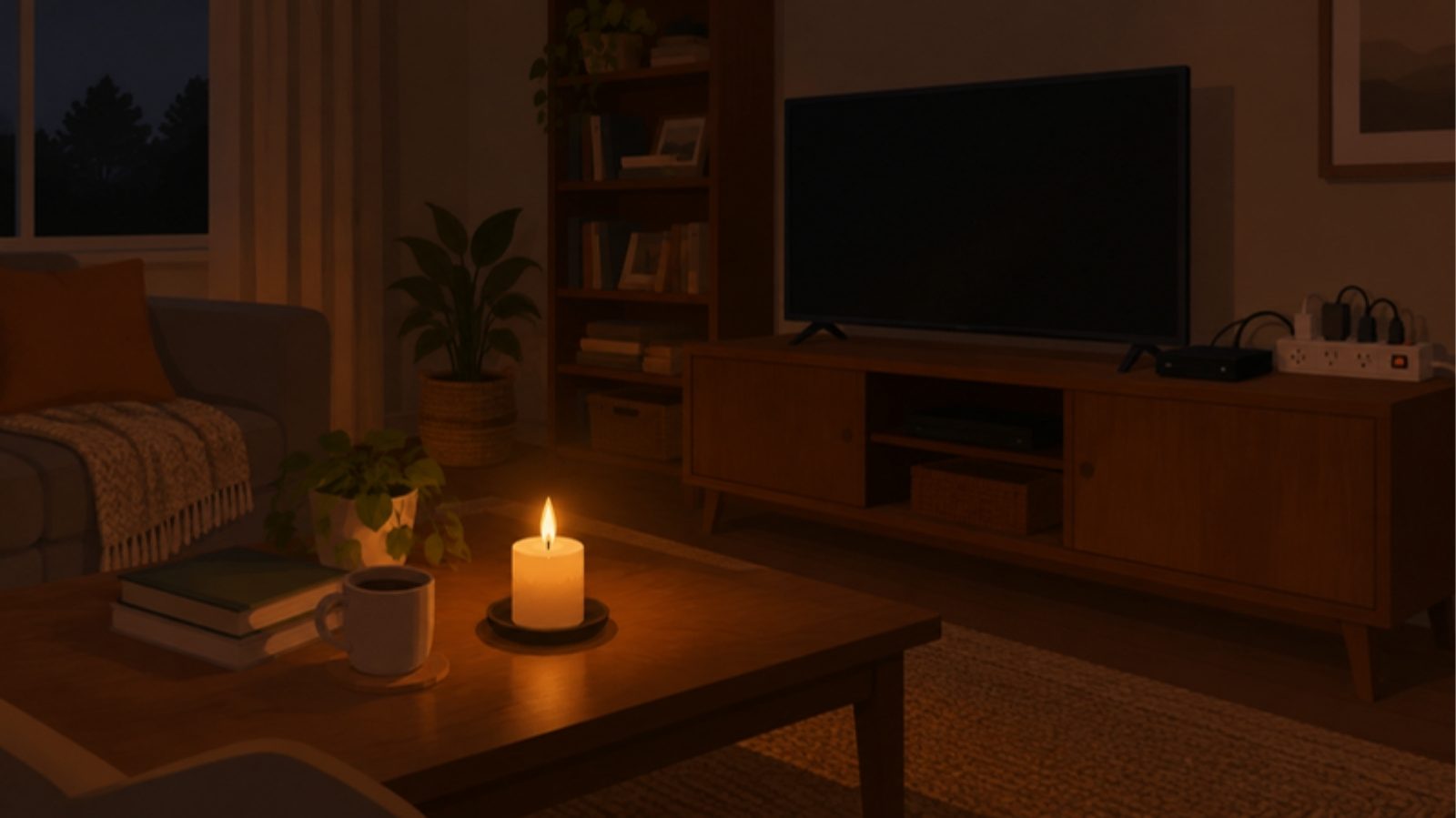
Whether your area is on a load shedding schedule or just has the odd outage, the power going off and coming back on is hard on electronics. A DStv decoder is more sensitive than a kettle, and some models are more sensitive than others.
One thing first: we could not find any DStv guidance written specifically for this. What follows is common installer practice and what is known about how decoders are built. Check your decoder's manual too.
What can go wrong
- A sudden cut. Some decoders, including the Explora and HD PVR, have a hard drive inside, and a hard drive does not enjoy losing power mid-write. One Explora owner reported on MyBroadband that a MultiChoice agent put their random reboots down to load shedding corrupting the drive. In that case the agent's reformat did not stop the reboots, so it is one story, not proof, but it shows what owners run into.
- A surge when power returns. The first moments after the power comes back can carry a spike. It can damage the decoder's power supply, and everything else plugged in beside it.
- Lightning. A nearby strike can push a surge down the mains or along the cable from the dish.
Standby is not off
A decoder in standby is still on. If you want it truly off, for example during a storm or while you are away, switch it off at the wall or unplug it.
Five steps that make a real difference
- Use a surge protector, not a plain extension lead. A multi-plug that is only an extension gives no protection. Look for one that actually says it protects against surges, and plug the decoder and TV into it.
- Unplug during storms and when you leave. Pulling the plug is the cheapest protection there is. It also covers you when the power comes back while nobody is home.
- Give it a few minutes after power returns. Power often flickers on and off a couple of times before it settles. Waiting a few minutes before switching the decoder on is our advice, not DStv's, but it costs nothing.
- Consider a small UPS or inverter circuit for the TV corner. It lets the decoder ride through short cuts and shut down more gently. Ask the supplier whether it suits electronics, and have any wiring done by a qualified electrician. We do not do electrical work.
- Check your Wi-Fi gear if you stream. The router and fibre box need power too, as we explain in DStv dish or DStv Stream.
If the decoder starts misbehaving after a cut
Typical signs are repeated rebooting, getting stuck on the start-up screen, or recordings that disappear. Try the basic steps first: switch it off at the wall for a few minutes, then switch it on again.
If it keeps happening, contact DStv before doing anything drastic. The usual fix for a corrupted hard drive is a reformat, and that deletes your recordings. In the MyBroadband thread above it also did not cure the problem.
If the picture is the issue rather than the decoder itself, our guides on troubleshooting a no-signal error and signal strength 100% but quality 0 are the next place to look.
After a big storm
Power trouble and weather often arrive together. Wind can move the dish and water can get into connectors, as we describe in why DStv drops when it rains. We can check the cable, connectors and LNB, and realign the dish if it moved. Look at signal fixing in Cape Town or Hermanus, or contact us for a free quote anywhere in the Western Cape.